Go · Baduk · Weiqi
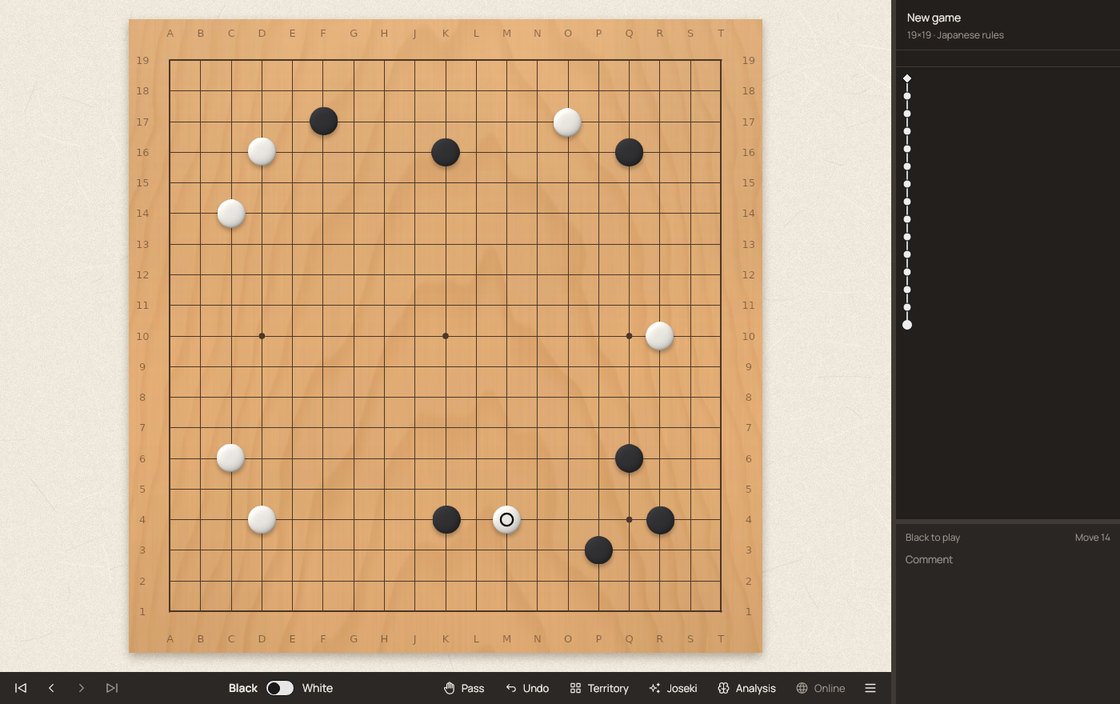
Hoshi is a free desktop app for playing and studying Go. A beautiful board, KataGo judging every move live, joseki guidance in every corner, cinematic effects when you find the best move, and lo-fi music that heats up with your streaks.
Features
Play friends on one screen, take on KataGo or any GTP engine, review your games, or take on the world on OGS.
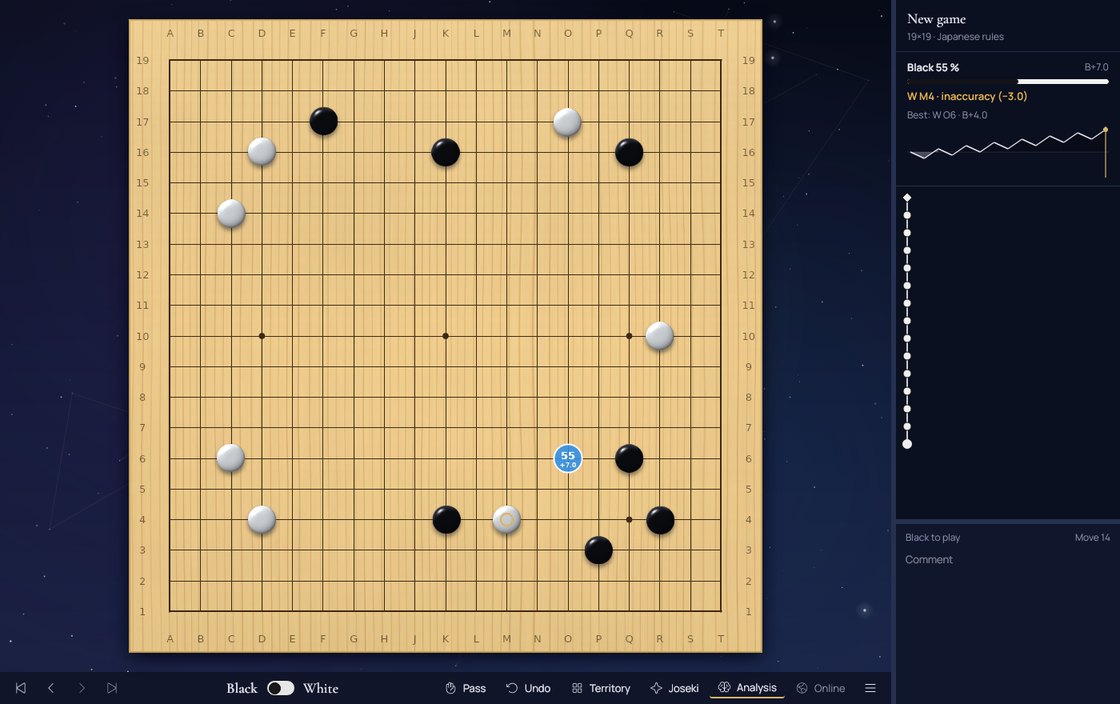
KataGo runs in the background from the moment Hoshi opens and rates every move: best, excellent, good, inaccuracy, mistake or blunder, with points lost.
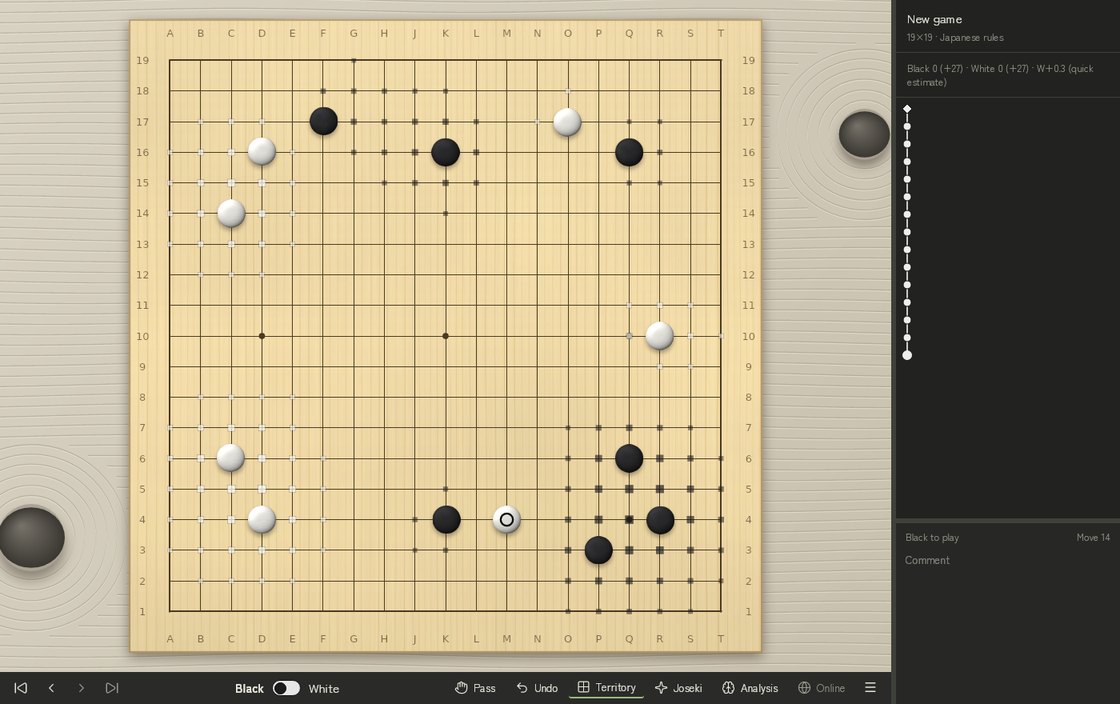
See secure and potential territory and the estimated score, from Hoshi's own estimator or KataGo's ownership map.
Every game you play is kept. Open one later and step through it: KataGo judges each move again, with all its effects and music.
Open and save SGF files, explore variations in a game tree, add comments, marks and setup stones.
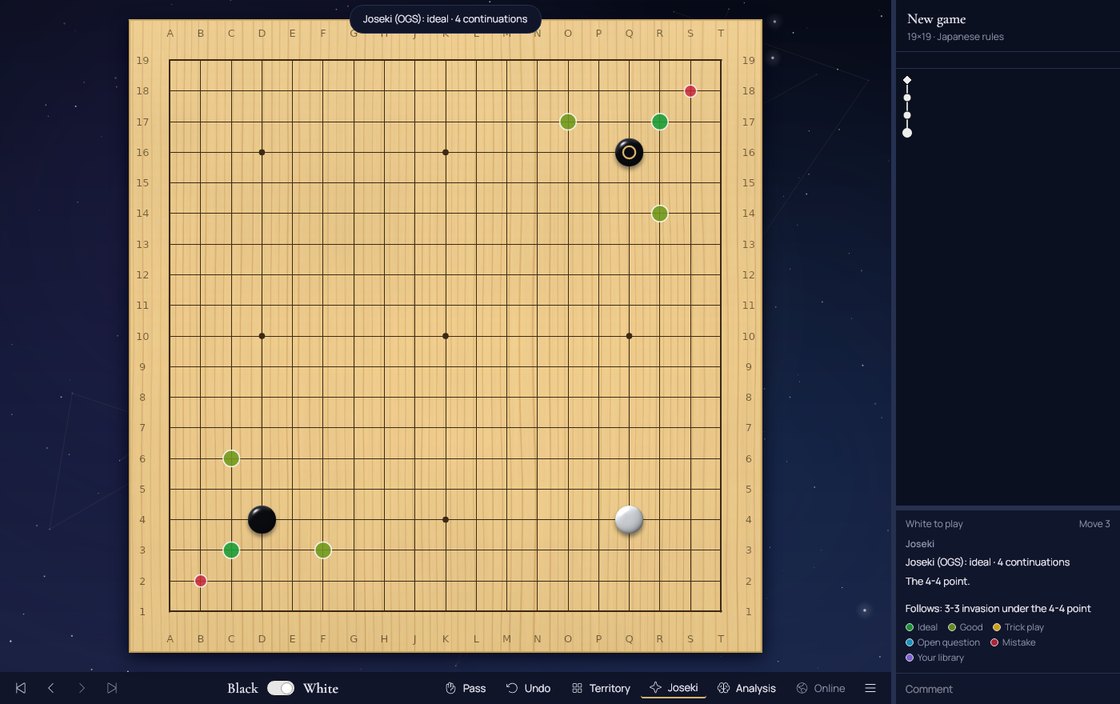
Turn on Joseki and every corner shows the known continuations, coloured by how the OGS Joseki Explorer rates them, with its comments in the sidebar.
Practise lines on the main board in random corners. Spaced repetition brings back the ones you miss; fetch new lines from OGS or import your own SGF.

Sign in to online-go.com, accept challenges and play in real time with clock and chat. Hoshi only creates unranked games.
Two players, one screen, on 19×19, 13×13 or 9×9, with pass and undo — every move still judged by KataGo.
Free and open source. No account needed to play locally; your OGS login uses OAuth and Hoshi never stores your password.
The whole app switches language live from Preferences. English by default.
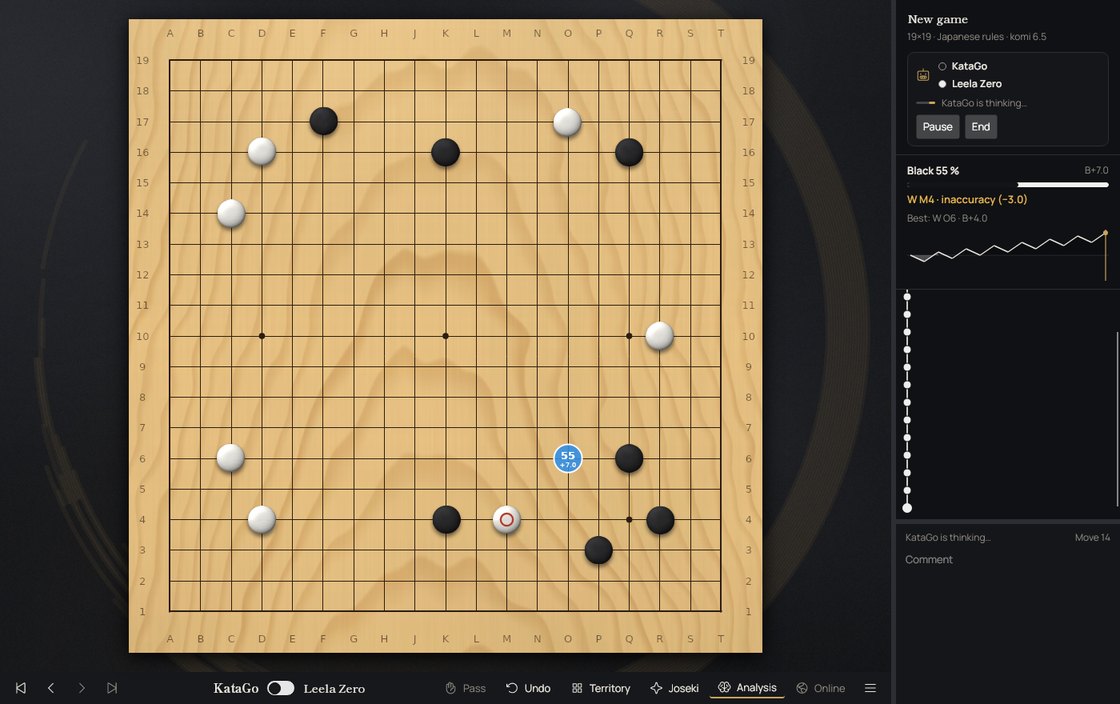
Hoshi's own KataGo is ready out of the box; add Leela Zero, GNU Go, Pachi or any GTP engine with its command line. Choose colours, board, handicap, komi and rules with Ctrl+G.
Let two engines play each other and watch the game grow in the tree. Pause, go back to any move and try your own idea: the engine answers from there.
See every command and answer between Hoshi and its engines, read their logs and type GTP commands yourself.
Any engine with lz-analyze or kata-analyze can drive the analysis panel instead of the built-in KataGo. All engines stay off during your OGS games.
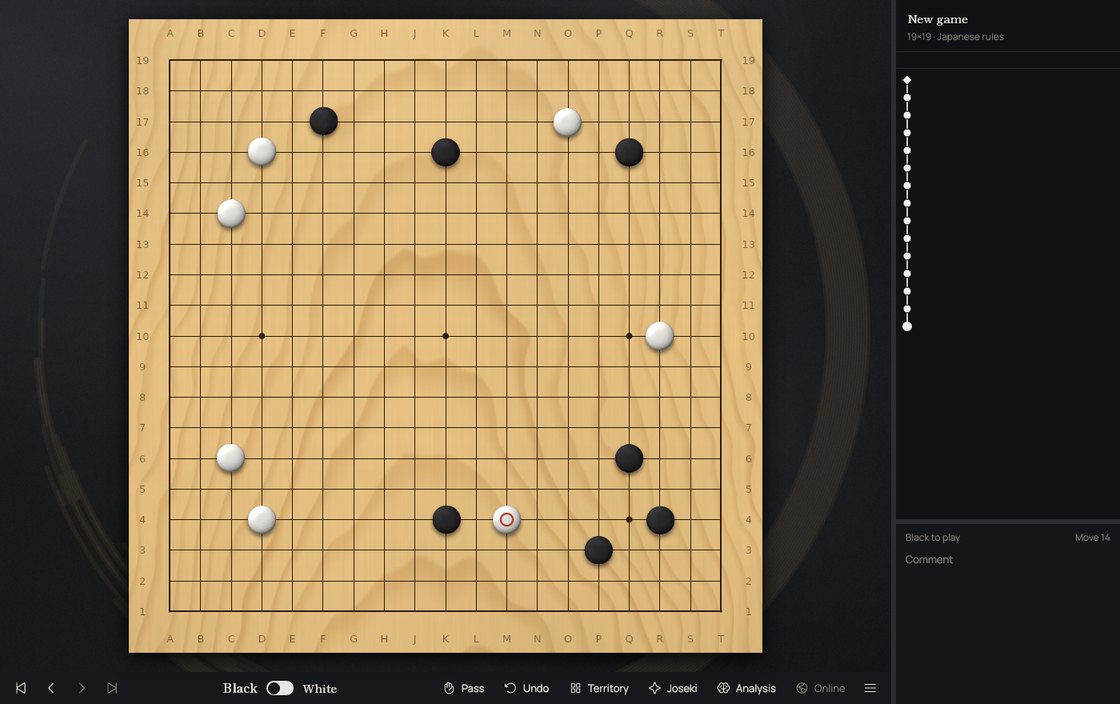
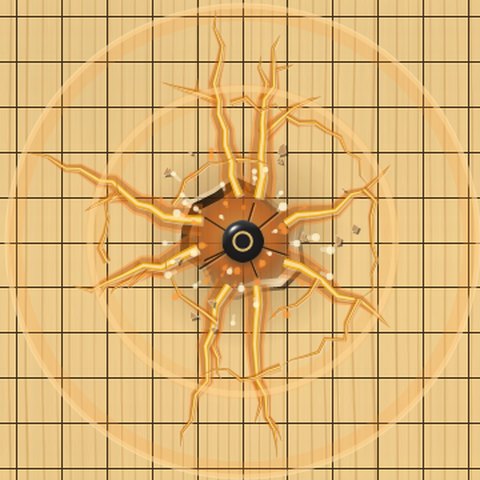
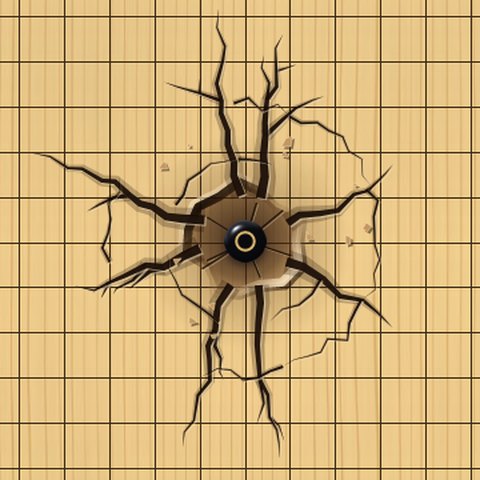
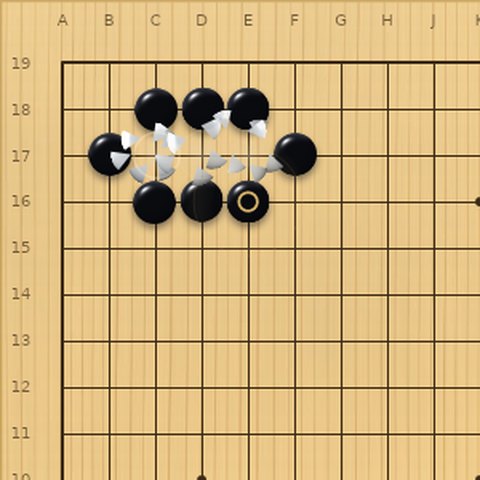
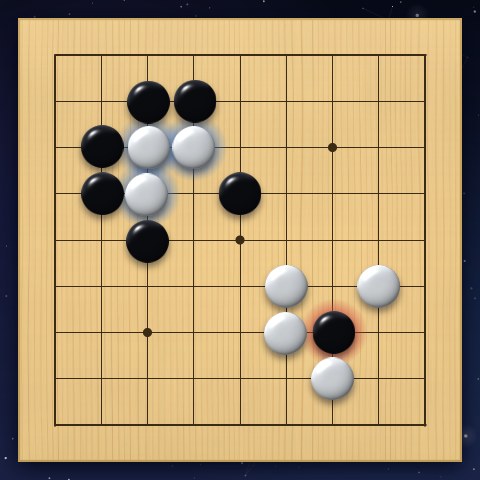
The move that wins a fight shakes the board, cracks the wood and throws embers; routine opening moves just click. Captured stones shatter and weak groups glow faintly. Too much? Turn it down to subtle or off at any time with F.
A calm lo-fi loop that adds drums, arpeggios and an overdrive layer as strong moves at key moments stack up. It stays calm through the opening and cools down when you slip.
Five themes — Night sky, Ink and gold, Zen garden, Warm minimal and a Classic tribute — plus six gobans, five stone sets and ten backgrounds to mix with any of them.
Joseki
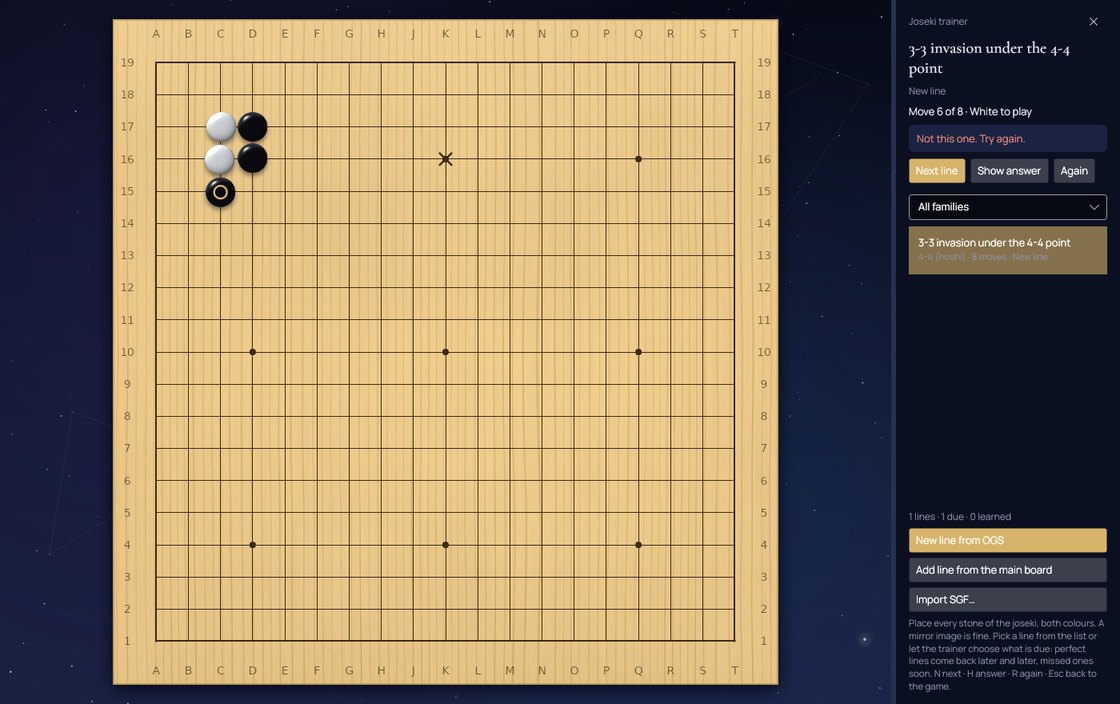
Study the standard corner sequences while you play, then drill them until they stick.


Six Leitner boxes, from ten minutes to a month. A perfect run waits longer; a mistake comes back soon.
Filter by 4-4, 3-4, 3-3, 4-5 or 3-5, choose a line from the list, or let Hoshi pick what is due.
“New line from OGS” follows only ideal and good moves of the Joseki Explorer. Import SGF collections or record lines from your own board.
Boards & stones
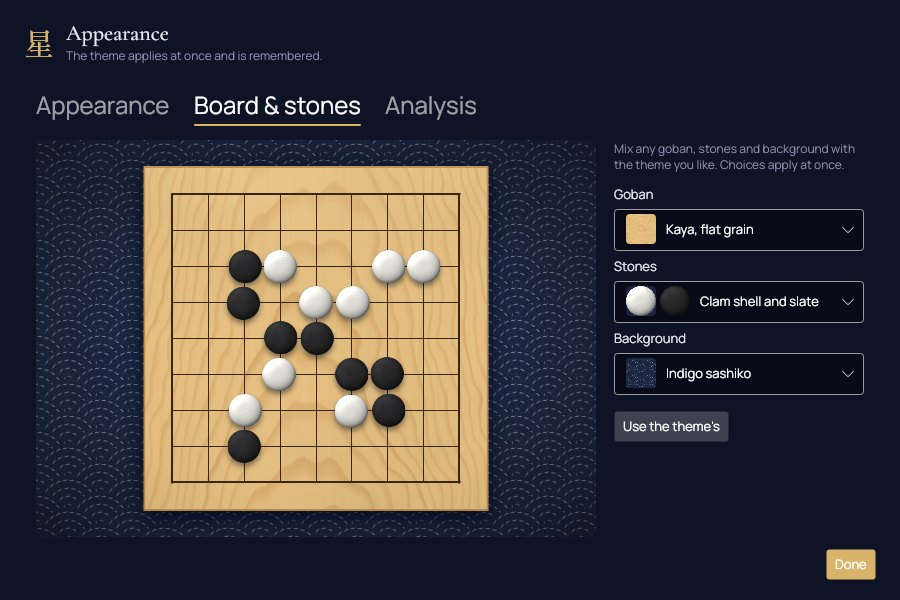
Every goban, stone and background is rendered by Hoshi itself: straight-grain kaya, clam shell with its growth lines, slate, yunzi, glass and jade. Each stone keeps its own look on its point, like a real set.
Gobans
Stones


Each theme comes with its own set. In Preferences → Board & stones, pick any goban, stones and background and see them live before you play.

Effects
Every effect is drawn and synthesised by Hoshi itself — no stock footage, no samples.


Themes


Music
Six layers composed in code join one by one as you string good moves together. A blunder stops the tape. Time cools it back down.
Demo: calm, then a streak of strong moves from 0:16 and a blunder at 1:10… you'll hear it.
During live games on OGS, KataGo stays off — OGS forbids AI help while you play. The joseki hints and the trainer are off too. The effects and the music follow the fight on the board instead (contact, liberties, captures), and Hoshi's own quick territory estimate is there. Every game is kept in your library, where the AI review — with all its effects — is waiting after the game.
Get Hoshi
Installers for Windows, macOS and Linux, built with Avalonia. Nothing else to install: .NET comes inside. Once installed, Hoshi updates itself in one click and only downloads what changed.
Free · open source · other systems below
Windows 10 or 11. Run the installer: Hoshi appears in the Start menu and on the desktop, and updates itself.
First launch: if SmartScreen warns about an unknown publisher, choose “More info” → “Run anyway”. Portable: x64 · ARM64
macOS 12 or later. Open the .pkg and follow the steps: Hoshi goes to Applications and updates itself.
Hoshi is not notarized by Apple yet: if macOS refuses the .pkg, right-click it → Open, or allow it in System Settings → Privacy & Security. Portable: Apple Silicon · Intel
Any recent x64 or ARM64 distribution. One file: make it executable and run it — it updates itself.
chmod +x HoshiGo-linux-x64.AppImage ./HoshiGo-linux-x64.AppImage
If it does not start, install FUSE 2 (sudo apt install libfuse2). Music needs PulseAudio/PipeWire (pacat) or ALSA (aplay). Classic archive: x64 · ARM64
The Windows and Linux downloads come with KataGo and a quick network, ready from the first start. On a Mac, run brew install katago and Hoshi finds it. Stronger networks can be picked in Preferences → Analysis.
With the .NET 10 SDK:
git clone https://github.com/BuddhaCodes/BadukDana.git cd BadukDana dotnet run --project src/Hoshi.App -c Release
It is made in spare time, with love for the game. If it brings you good games and you would like to help it grow — signing the Windows build, more boards, more study tools — you can support it with a donation on PayPal. Entirely optional; thank you either way.
PayPal isn't available where I live, so donations go to a trusted collaborator, Carlos Fernandez — the name you'll see on PayPal.